Lounge brings your live channels, programme guide, films and TV shows into one player for LG webOS televisions.
Add your own M3U playlist or Xtream account. Browse with the TV remote, keep favourites for each household profile, and use your phone when there is something to type.
Free beta. Lounge supplies no channels, films or subscriptions.
Inside the app
These are screenshots of the working app with fictional demo content. Select an image to see it at full size.
See what's on, without losing your place
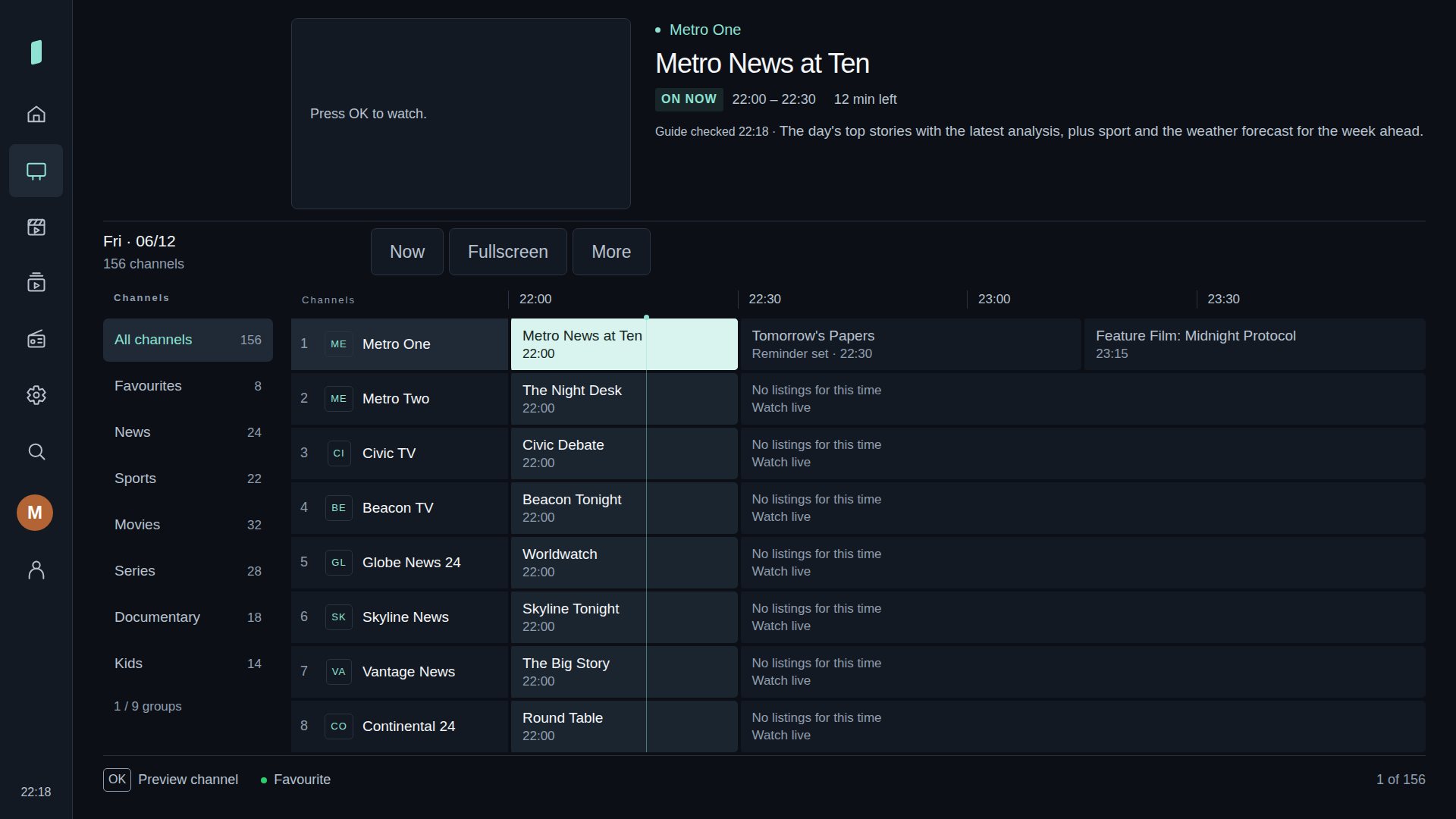
The live guide groups channels and programme listings around a video preview. Browse a different day, open a channel's options, or switch to fullscreen viewing.
Start in the guide, on Home, or with your last-watched channel. The choice is yours.
Live guide, with demo listings.
A Home that remembers what matters
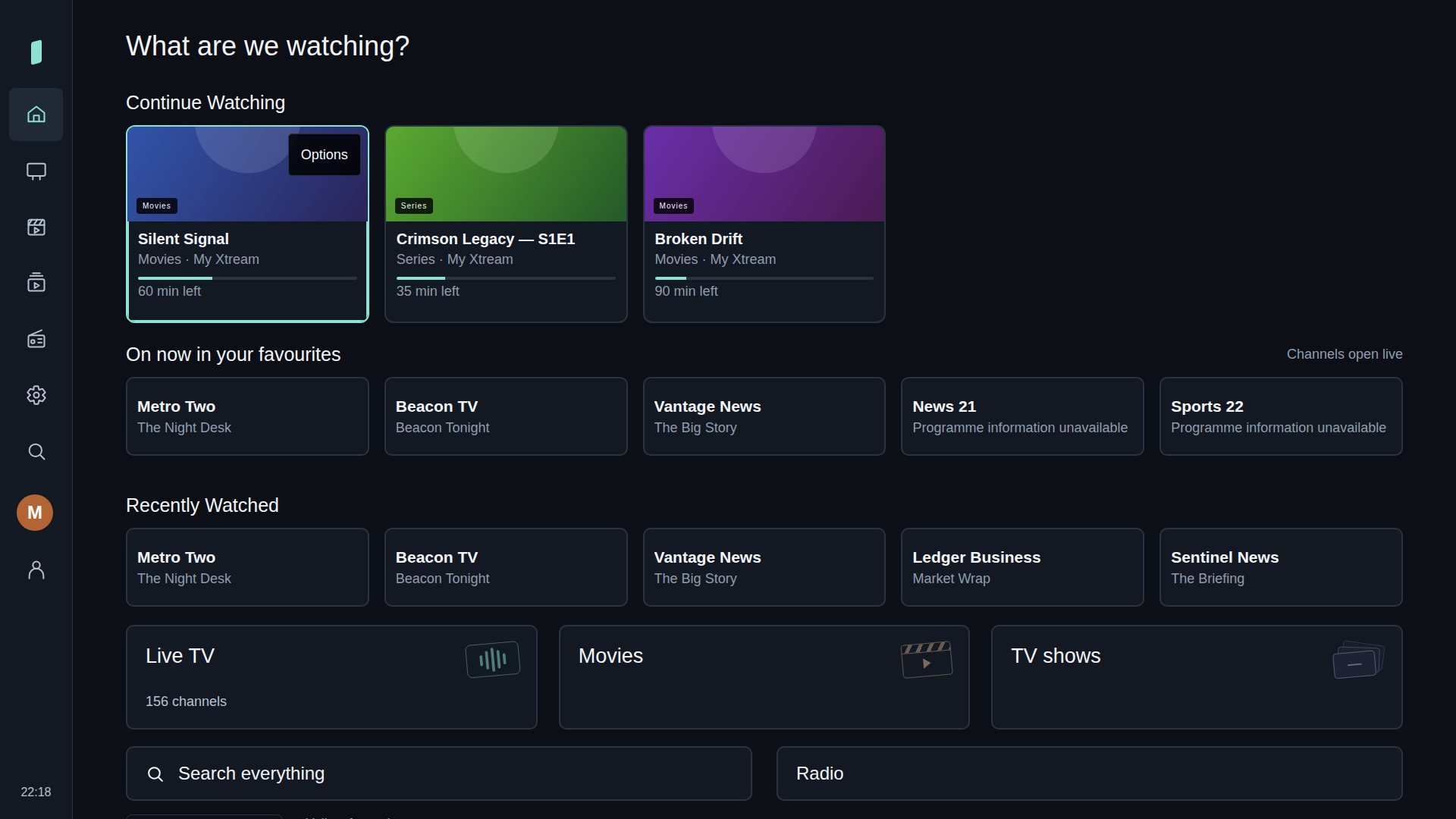
Return to something you started, open a favourite channel, or browse recent viewing. Arrange the Home rows around how you watch.
Household profiles keep favourites and viewing preferences separate. A child profile can have a smaller library chosen by an adult.
Home, with a populated demo library.
Films and TV shows in the same place
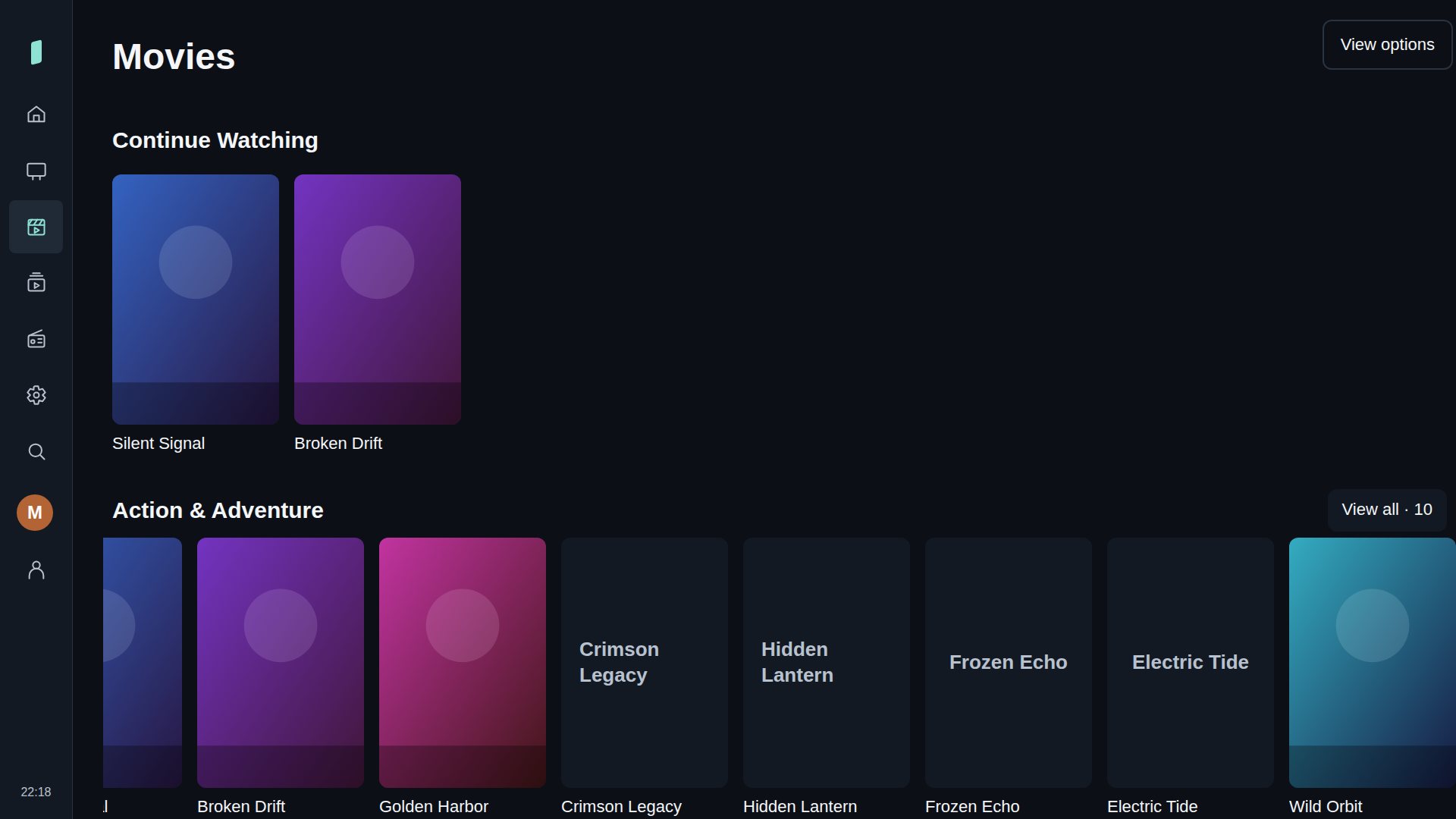
Browse on-demand titles from an Xtream account, open their details, and resume supported content. Search across the library when you know what you want.
Available titles, artwork, guide information and catch-up depend on your provider.
Film library, with fictional demo artwork.
Set it up your way
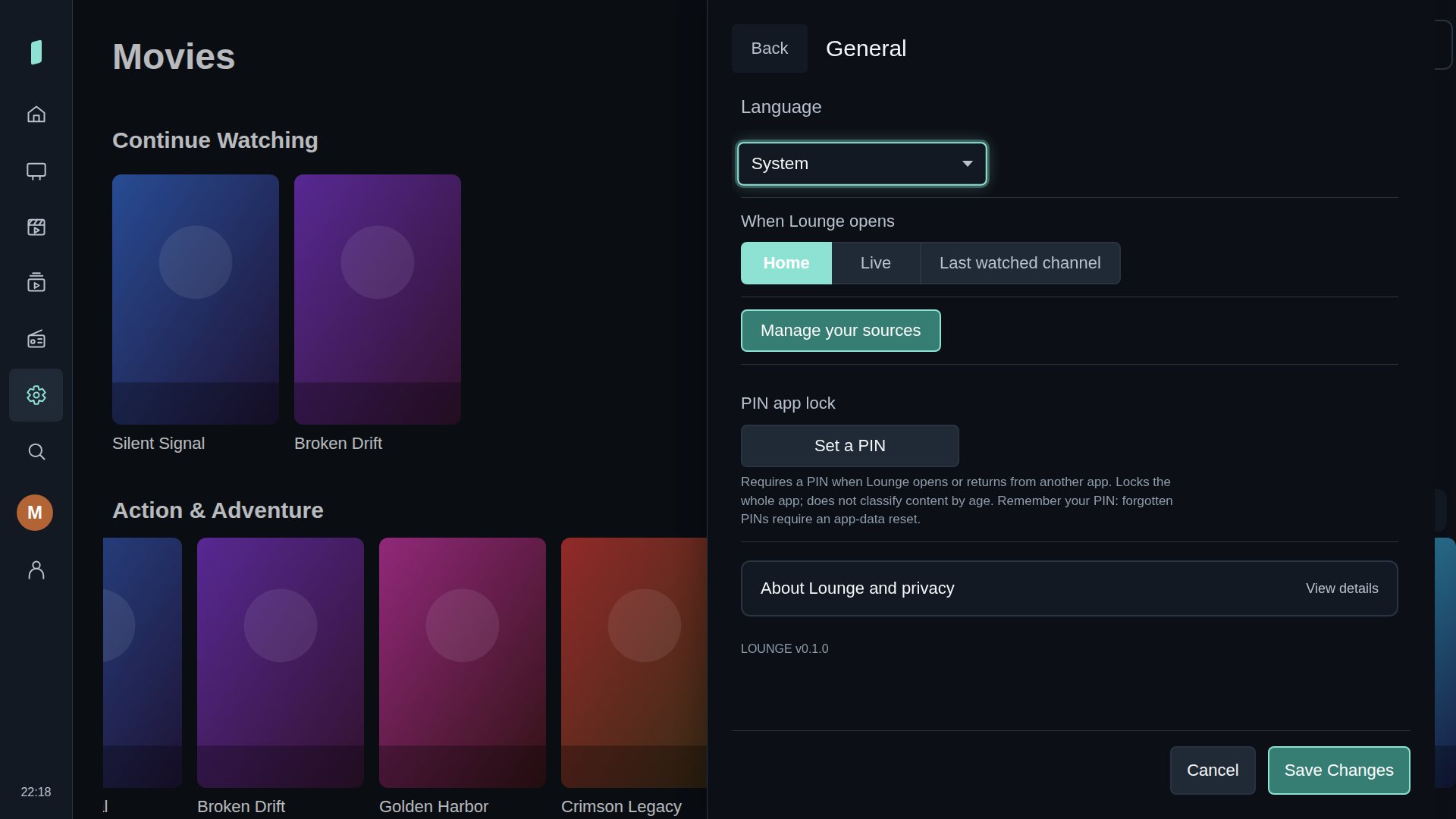
Choose a theme, enlarge text, adjust playback preferences, and manage your sources. Settings open in a side panel and keep unsaved edits as you move between categories.
For longer entries, scan the TV's QR code and use your phone. The paired website can also help organise your library and transfer encrypted backups.
General settings in the TV app.
What you need
An LG webOS television and access to the Lounge beta build.
Your own M3U playlist or Xtream account for content you have permission to access.
An optional XMLTV feed if your source does not supply programme listings.
A phone with a current browser if you want to use QR setup.
Where the beta stands
Lounge is in active development. Playback compatibility varies by television, stream format and provider. A public store release and retail supported-device list have not been confirmed.
Your TV connects to your content provider directly. The website provides temporary phone setup and management. Read the privacy information for how that connection works.
 Lounge